OBD2 Diagnostics for Windows, Android, and iOS
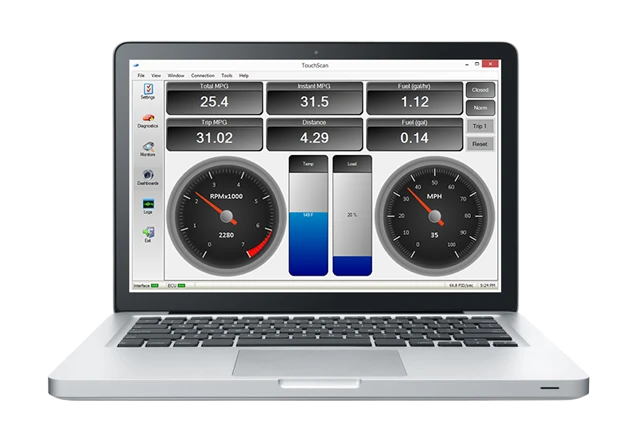
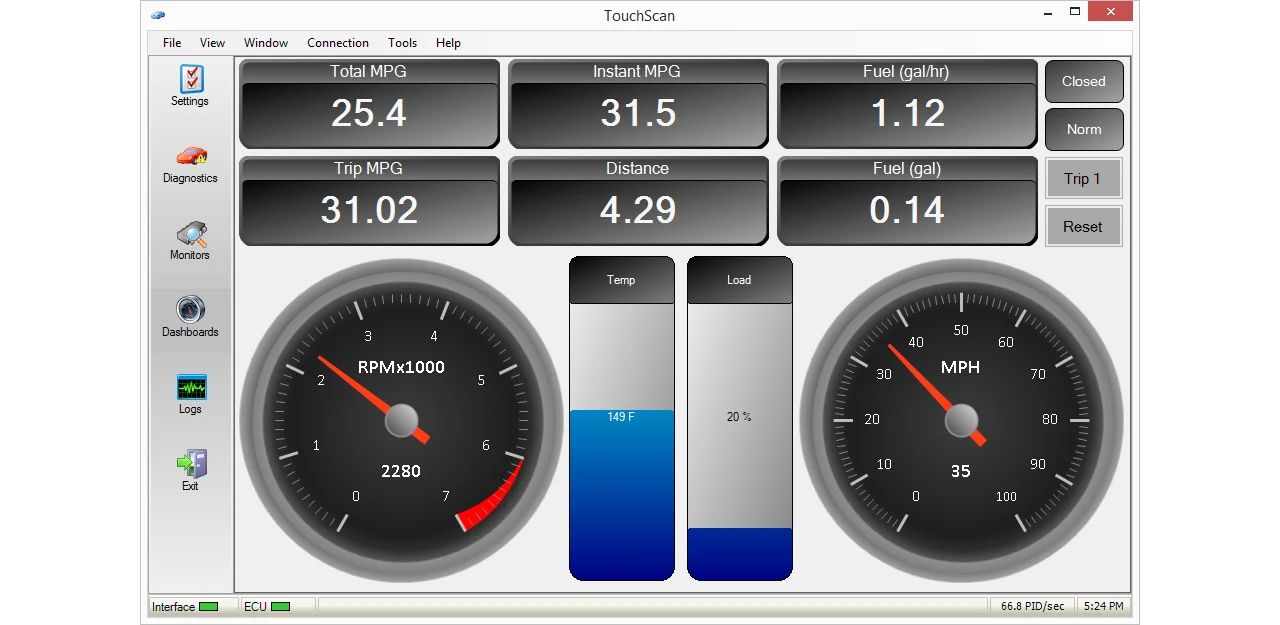
TouchScan for Windows
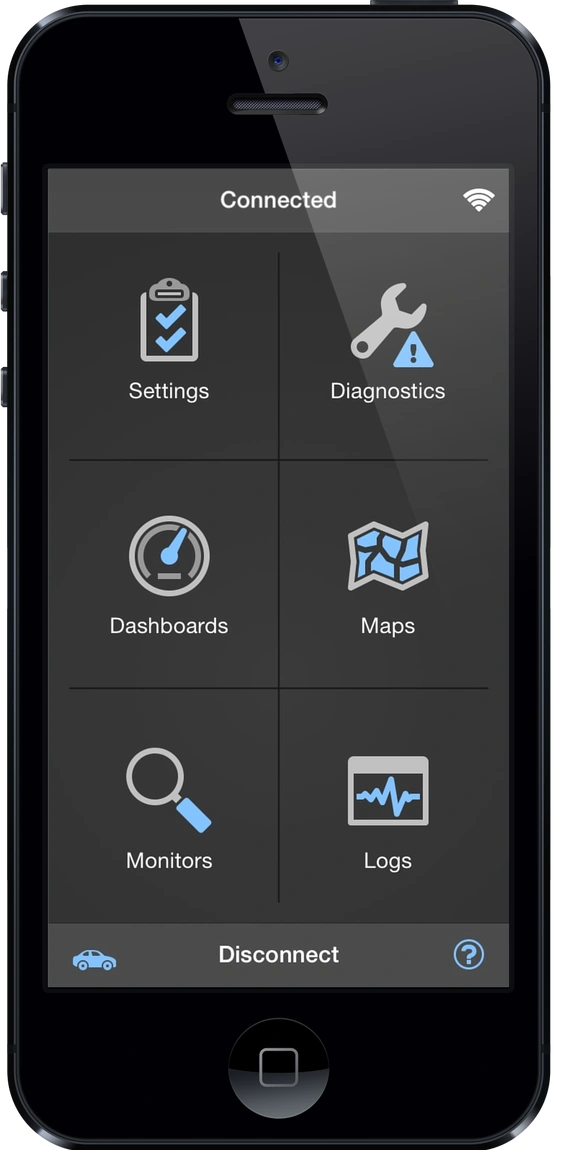
OBD Fusion® for iOS and Android
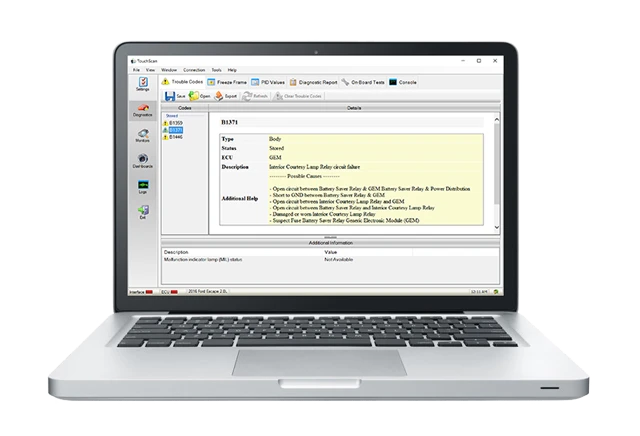
Enhanced Diagnostics
Featured Products
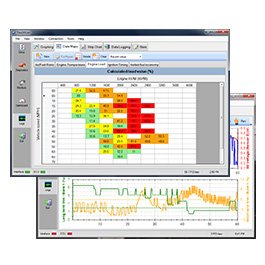
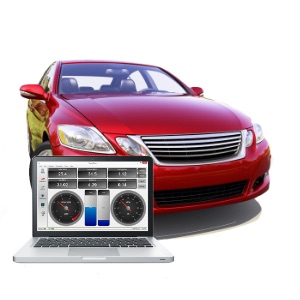
OBD Products for PC, Windows, Android, and iOS.
OBDSoftware.net is your one-stop site for OBD diagnostic equipment. We are pleased to offer the most advanced OBD-II scan tools and the most user-friendly software on the market for monitoring and diagnosing problems in modern vehicles.
With our products, you have access to professional diagnostics for a fraction of the price. Whether you're a do-it-yourself mechanic, auto repair technician, auto-enthusiast, or you just want to know your vehicle's fuel economy, our products are for you.
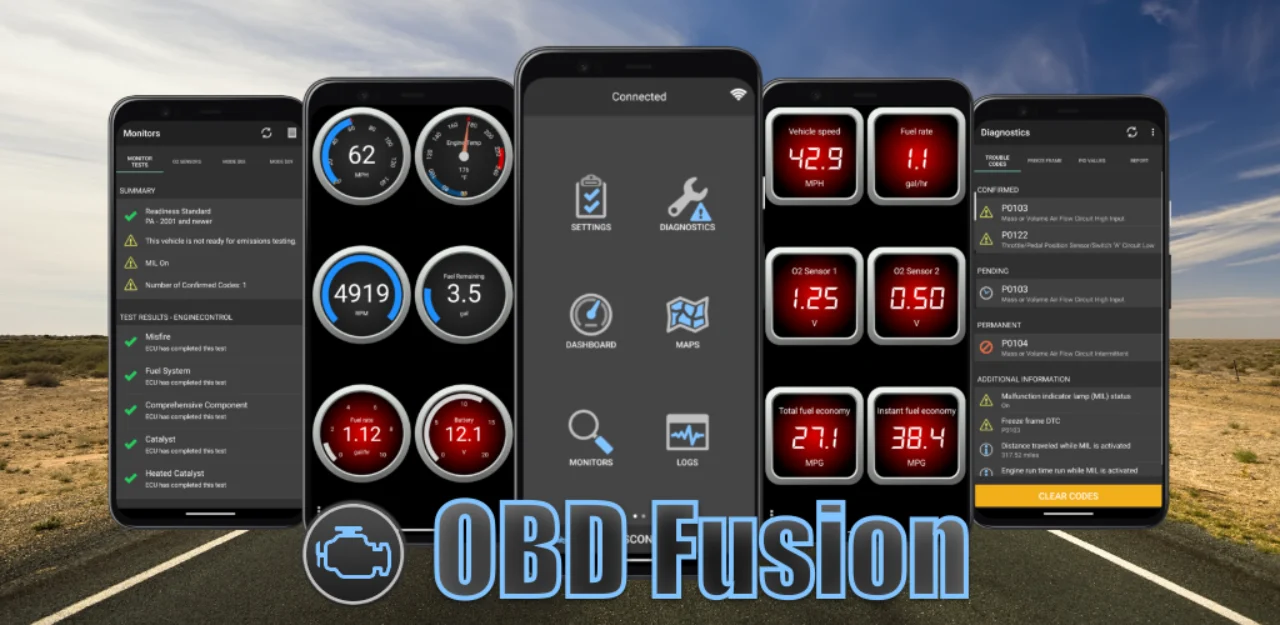
OBD Fusion® in Action
OBD Fusion® was featured on NewsWatch TV! Check out the video for a quick overview of many of the great features OBD Fusion® has to offer.
For more information, take a look at OBD Fusion® on the iOS App Store, Google Play, or visit our OBD Fusion® page.

What is OBD2?
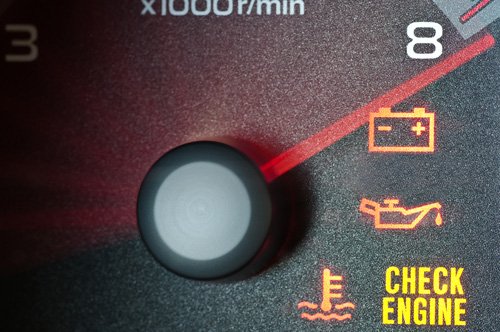
OBD stands for On-Board Diagnostics, which is a computer system found in modern vehicles. The primary function of an OBD system is to monitor emissions and diagnostic related information in your vehicle. OBD systems provide a large number of benefits for both vehicle owners and technicians. OBD systems can detect fault conditions early, before serious damage occurs to your vehicle. When a fault is detected, the OBD system can provide information about the cause of the fault, including a snapshot of the conditions leading up to the fault. OBD systems also provide real-time sensor readings from the vehicle, allowing users to measure items such as vehicle speed, engine RPM, and torque and calculate useful data such as fuel economy and usage.
OBD2 systems include a 16-pin OBD2 diagnostic connector, which is located on the driver side of your vehicle below the steering wheel. Using a specialized diagnostic tool, called a scan tool, you can access the OBD2 computer system in your car. There are two basic types of scan tools: PC/Mobile-based and stand alone. Stand alone scan tools are typically handheld devices that do not require a computer or mobile device for operation. They are often limited in functionality, lack advanced diagnostic features, are not upgradeable, and come with a high price tag. PC/Mobile-based scan tools require a laptop, mobile phone, or tablet with OBD software to read OBD diagnostic data. The scan tool connects to the laptop or mobile device using USB, Bluetooth, Wi-Fi, or a Serial port. PC/Mobile-based scan tools are very flexible and powerful because they harness the power and upgradeability of modern computers and mobile devices.

How can I get started with OBD2?
You have already taken the first step toward using OBD2 by visiting our website. The next step is to obtain the appropriate OBD diagnostic equipment for your vehicle. If you already own an ELM327-based scan tool, then you can use our TouchScan PC software, OBD Fusion® Android app, or OBD Fusion® iOS app to harness the power of your OBD2 compliant vehicle. If you don't own an OBD2 scan tool, you will need a high quality scan tool such as OBDLink MX+ or OBDLink SX to get started.
Your vehicle must be OBD2, EOBD, or JOBD compliant to be compatible with our diagnostic tools. OBD1 vehicles are not supported because OBD1 was not standardized. Take a look at this article for more information about vehicle compliance.